Why Vibe Coding is Not Just “Writing Randomly”: The Key Difference Lies in Harness
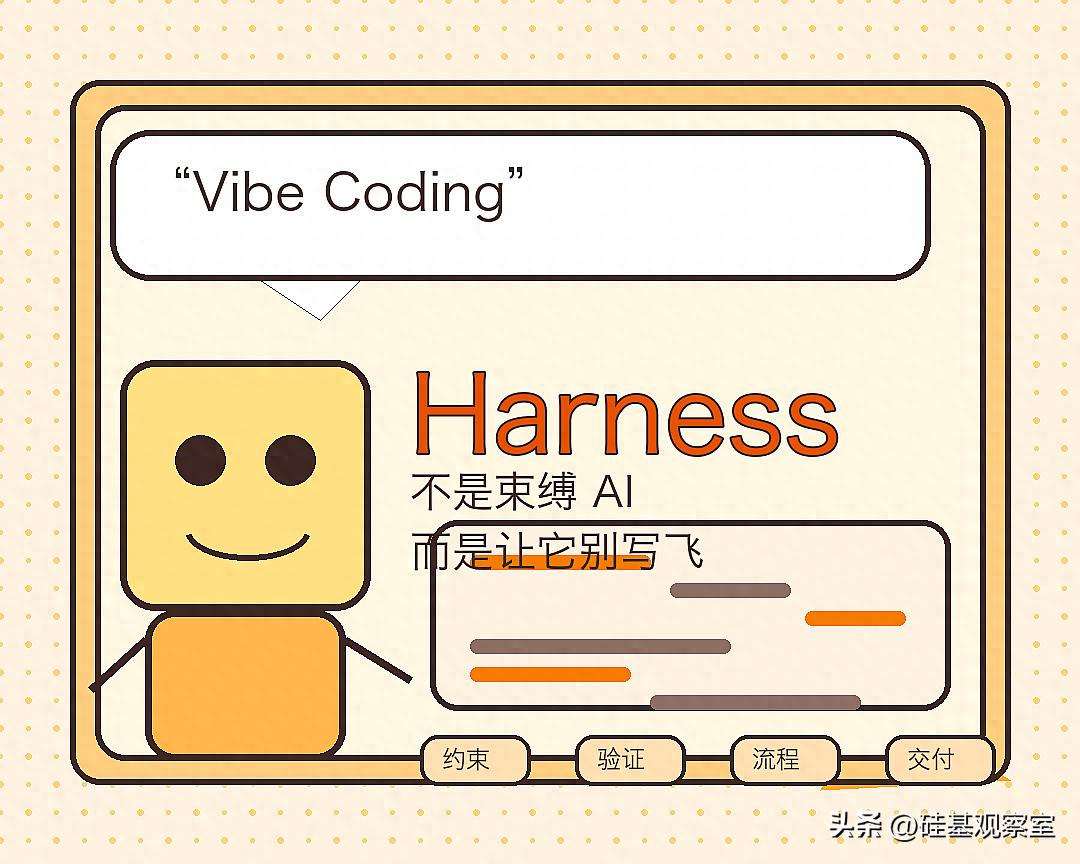
In recent years, the term “vibe coding” has gained popularity.
Its most appealing aspect is straightforward: you don’t have to type code line by line or have a complete design in mind beforehand. Instead, you can drive development more naturally using language, ideas, and feedback.
Often, this experience can make software writing feel like the first time it has become “intuitive.”
However, challenges quickly arise.
If you have tried using vibe coding for even slightly complex projects, you are likely to encounter these situations:
- Initially fast, but later becomes chaotic
- Code runs, but the structure is a mess
- Changing one part causes issues elsewhere
- AI seems to “re-understand the project” every time
- Ultimately, you find that the engineering work you avoided was merely postponed.
Thus, I increasingly believe that the true dividing line in vibe coding lies not in how powerful the model is or how fancy the prompts are, but in a frequently overlooked concept: Harness.
In this article, I want to clarify three things:
- What Harness means in this context
- Why, without it, vibe coding can easily lead to chaos
- Why the real differentiation in the future may not be generative capability, but rather who has the better harness.
What Exactly is Harness?
Let’s start with the conclusion.
In the context of vibe coding, Harness is not a specific product name nor just a new buzzword.
It is more like an external framework.
The role of this framework is to pull AI back from “free generation” into a more controllable development process.
You can think of it as:
- Constraints
- Validation
- Environment
- Workflow
- Feedback loops
Together, these elements form a complete system that prevents AI from “going off the rails” in its writing.
Thus, what Harness truly addresses is not whether “AI can write,” but rather:
Can what AI produces be continuously controlled, validated, and iterated upon?
This point is particularly important.
Because today, most discussions around vibe coding focus on the generation step.
However, the most challenging aspect of real development is often not the generation itself.
Instead, it is about:
- How to constrain it
- How to validate it
- How to prevent it from losing control in real projects
And this is precisely the layer that Harness supplements.
Many People Misunderstand Harness at First
I find this misunderstanding to be quite common.
When many people first hear about Harness, their immediate reactions usually fall into three categories:
1) Understanding it as a specific tool
It seems that simply installing a plugin, connecting a service, or enabling a feature means you have harnessed it.
But in the context of vibe coding, it is more akin to a development constraint system rather than a single software.
2) Interpreting it as “shackling AI”
It seems that once constraints, processes, and validations are mentioned, it’s seen as opposing the freedom of vibe coding.
In reality, that’s not the case.
What Harness truly does is not eliminate freedom but ensures that free generation does not spiral into chaos.
3) Viewing it as an advanced technique only for experts
This is also incorrect.
The more ordinary developers or those just starting to use AI for coding are, the more likely they are to encounter pitfalls without harness.
Because initially, you are most easily attracted by “how fast it writes,” and only later realize “how messy it becomes.”
Why Vibe Coding Without Harness Easily Becomes a “Joyful Mess”
While this phrase may sound harsh, I find it quite accurate.
Without harness, the most common experience of vibe coding is:
1) Incredible speed in the beginning
You provide a requirement, and AI quickly delivers code.
This step is genuinely enjoyable.
2) Loss of control in the middle
As files increase, logic becomes more complex, and dependencies grow, you will find AI starting to:
- Reduplicate efforts
- Break old logic
- Forget previous instructions
- Introduce new bugs while fixing old ones
For instance, you might just want to add a filter condition to a backend management page.
Instead, it might rewrite the query function, change the state management, and replace a previously functioning list refresh logic.
On the surface, the functionality “seems more complete.” But upon testing, you will discover:
- The old filter is ineffective
- Pagination jumps are erroneous
- Certain API requests are triggered multiple times
This is a typical case of AI modifying code without harness: It’s not that it can’t do it, but the scope of changes is completely uncontrolled.
3) Cost backlash in the later stages
Ultimately, you will find that the real time-consuming part is not “writing it out,” but rather:
- Structuring the code
- Adding tests
- Recovering boundaries
- Cleaning technical debt
- Clarifying the current state of the system
At this point, you will realize:
Without harness, vibe coding often just postpones engineering costs from the front to the back.
It doesn’t disappear; it just explodes later.
To put this conclusion more bluntly:
- Without harness, AI resembles a high-output but unstable intern.
- With harness, AI acts more like an executor within a workflow.
The difference between the two is not just an experiential difference but a delivery difference.
A More Intuitive Comparison: What’s the Difference Between Pure Vibe and Vibe with Harness?
If the previous explanations still feel a bit abstract, I believe the best way is to directly compare the two development approaches side by side.
| Dimension | Vibe Coding Without Harness | Vibe Coding With Harness |
|---|---|---|
| Starting Method | You state a requirement, and AI immediately starts writing | First clarify boundaries, goals, and acceptance criteria, then begin generation |
| Advancement Method | Write as you go, guessing along the way | Progress according to tasks, steps, and checkpoints |
| Scope of Changes | Easily leads to larger changes, rewriting many things casually | Emphasizes control over the scope and impact of changes |
| Validation Method | Often trusts “it looks complete” | Immediately enters testing, checking, and correction after generation |
| Experience | Fast, enjoyable, low entry barrier | Less smooth but more stable and controllable |
| Common Issues | Prone to false completions, high rework, chaotic as projects grow | Slightly slower initially, but easier to wrap up later |
| Suitable Scenarios | One-off demos, small experiments, rapid prototypes | Real projects, multi-file changes, continuous iteration, team collaboration |
If you are only doing one-off demos, the former might suffice.
But if you are working on:
- Real projects
- Multi-file changes
- Continuous iteration
- Team collaborative development
You will quickly find that the latter resembles true software development that can be delivered.
To put it even more directly:
Pure vibe feels more like creation, while vibe with harness feels more like engineering.
What Changes Occur with Vibe Coding That Incorporates Harness?
This is what I believe is the most worthwhile part to write about.
Once you start adding harness to vibe coding, you will find the entire development experience becomes very different.
1) AI is no longer just a “generator” but becomes a “constrained executor”
It doesn’t just keep outputting code,
but works within certain boundaries:
- First, review the existing structure
- Modify according to existing constraints
- Run validations before proceeding
- Cannot skip critical checkpoints
This will make the whole process feel more like development rather than performance.
2) You begin to have a “feedback loop”
A critical aspect of harness is that it makes generation no longer one-way.
It creates a closed loop:
- Generate
- Check
- Test
- Feedback
- Correct
- Validate again
Without this loop, AI output is just a one-time result.
With this loop, AI behaves more like it is working on a real project.
3) You can tackle longer tasks
Without harness, AI easily drifts when the task chain is extended.
With harness, it at least has a chance to be guided back in line.
Thus, the value of harness is not just in producing better results,
but in making more complex, longer development tasks feasible.
I would also like to emphasize a particularly noteworthy change:
Without harness, you are “taking chances” with AI. With harness, you are “running processes” with AI.
The former relies on talent; the latter relies on systems.
This is why the latter is more easily scalable to real projects.
What Layers Does Harness Essentially Supplement?
If we break it down further, I believe there are at least four critical layers.
1) Environmental Constraints
AI cannot make random changes in an infinitely open space.
It needs to know:
- Which files it can modify
- Which areas it cannot touch
- What the current directory structure is
- What existing patterns in the project are
This layer of constraint is the most fundamental harness.
2) Task Constraints
It’s not enough to just say, “do a function for me.”
A better approach is to define:
- What the goals are
- What the boundaries are
- What the acceptance criteria are
- Which steps must be confirmed
This layer of task definition is also harness.
3) Validation Constraints
This is the most critical layer.
Without tests, linting, runtime results, snapshots, or diffs, AI outputs can easily devolve into “looking complete.”
For example, if you ask AI to fix a bug on a login page, it might tell you, “it’s fixed,” and the code may indeed have changed.
But if you haven’t:
- Run tests
- Click through a real login process
- Checked network requests
- Verified that errors have disappeared
You really have no idea whether it fixed the issue or merely changed a few lines of code that looked reasonable.
Thus, many teams later realize: What’s truly important is not whether AI claims it fixed something, but whether the system has evidence proving it actually did.
In real development, evidence is more important than claims.
Therefore, many times, what truly determines whether a vibe coding system is stable is not the model but the validation chain.
4) Process Constraints
This is another layer that is often overlooked.
For instance:
- Should brainstorming come first or writing?
- Should design precede implementation?
- Should testing come before generation?
- When should you stop to review?
While processes may seem “slow” at first glance,
they are often the most effective in preventing chaos as tasks become complex.
When looking at these four layers together, you will find:
Harness is not a single action but the result of the combined effectiveness of “constraints + validation + environment + process.”
In other words, it is more like a system rather than a button.
The Three Most Common Applications of Harness in Real Development
If you want to see this concept in a more concrete way, I recommend looking at its three most common applications in real development.
Scenario 1: Testing as the Most Basic Harness
Many people might think harness refers to some advanced agent infrastructure.
In reality, the most classic, simple, and effective harness is often just:
- Unit tests
- Integration tests
- Snapshots
- Regression checks
Because without testing, AI writing code can increasingly resemble improvisational creation.
Scenario 2: Planning and Task Breakdown as Harness
Another common but often underestimated harness is the plan itself.
For example, if you ask AI to implement a requirement like “add full-text search to a blog,” and you simply say, “help me add search,” it might directly:
- Add an input box
- Connect a fuzzy query
- Modify a few frontend states
- Adjust the results page style casually
Comments
Discussion is powered by Giscus (GitHub Discussions). Add
repo,repoID,category, andcategoryIDunder[params.comments.giscus]inhugo.tomlusing the values from the Giscus setup tool.